240Hz vs 360Hz vs 500Hz: Where Monitor Refresh Rates Stop Mattering
Monitor refresh rates keep climbing. I played competitive shooters on 144Hz, 240Hz and 360Hz panels. The jump that matters most isn't the one marketing pushes.
Where to buy this gear
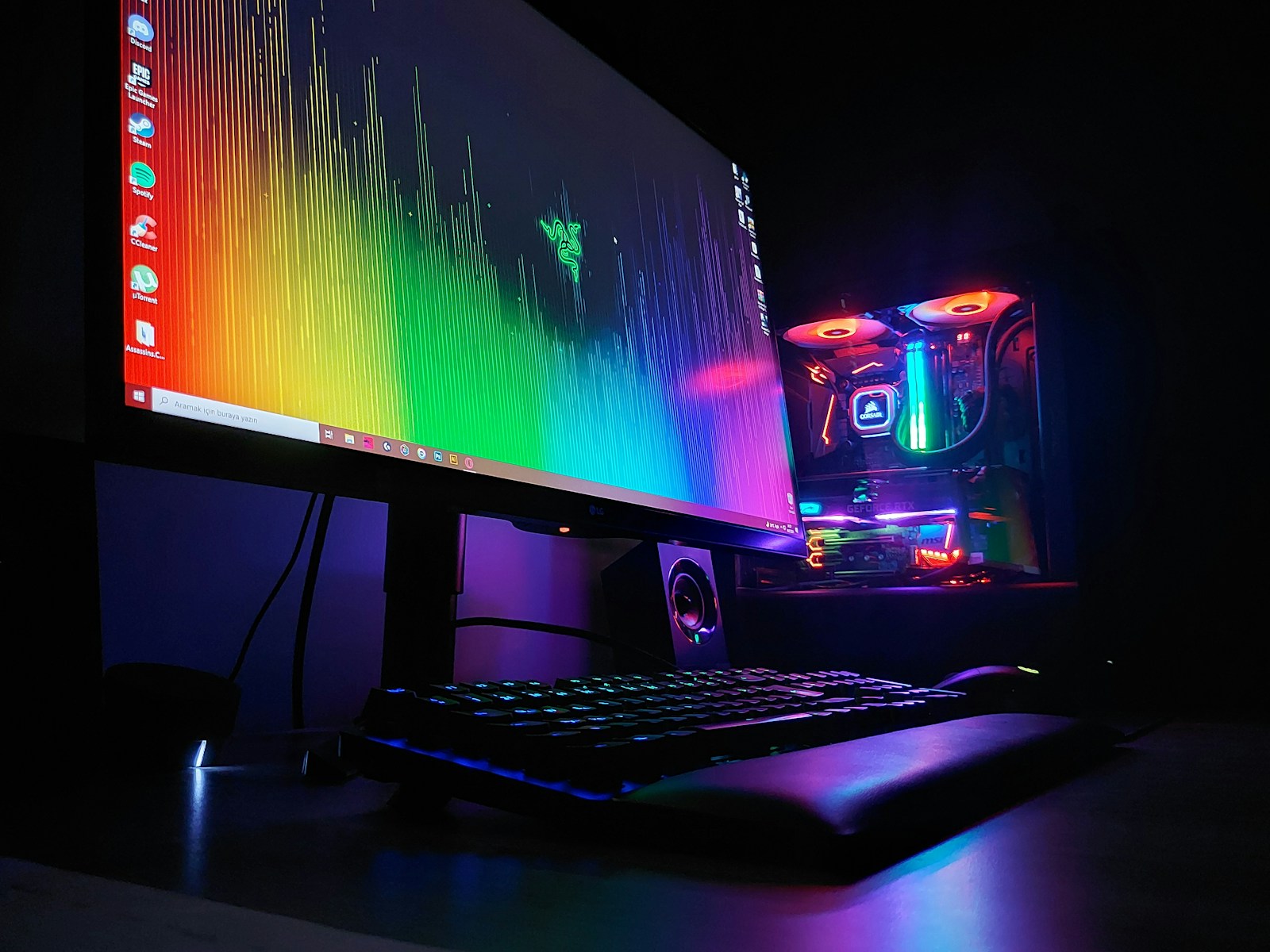
Refresh rate numbers keep going up: 144Hz, 240Hz, 360Hz, 500Hz and beyond. The question is where the improvement stops being noticeable for real players. I played on three monitors over a month of competitive matches.
The biggest jump: 60 to 144Hz
If you're on a 60Hz monitor, upgrading to 144Hz is the single biggest improvement you can make for competitive gaming. Motion is smoother, tracking is easier and input feels more responsive.
144 to 240Hz: still noticeable
The jump from 144 to 240Hz is smaller but real. Tracking fast targets felt cleaner. For serious competitive players, 240Hz is the sweet spot of price and performance.
240 to 360Hz: diminishing returns
I could feel it in side-by-side tests, but in actual matches, my performance didn't change much. Pros might benefit. Most players won't.
Above 360Hz
Very high refresh monitors are impressive but expensive. You also need a PC that can actually run games at those frame rates, which means a strong CPU and low graphics settings.
Panel types
- **TN:** fast but poor colors. Mostly replaced by fast IPS.
- **IPS:** good balance of speed and color.
- **OLED:** extremely fast response times and great contrast. Watch for burn-in risk with static HUD elements, though modern panels have protections.
Size and resolution
- **24 to 25 inches:** standard for competitive FPS. Easier to see the whole screen.
- **27 inches at 1440p:** great all-rounder for competitive and casual games.
Your PC matters
A 360Hz monitor is useless if your PC runs a game at 150 fps. Check your frame rates first. Upgrade the PC before the monitor if needed.
Where to buy
Newegg often has the best prices on gaming monitors during PC sales. Best Buy lets you see monitors in person and has an easy return policy. Amazon has a big range with frequent discounts. Walmart carries several mainstream gaming monitors at competitive prices.
Verdict
Get 144Hz if you're on 60Hz. Go 240Hz if you're serious about competitive play. Beyond that, only upgrade if you have the frame rates and the budget to match.
Where to buy this gear
Keep reading
OLED Gaming Monitors and Burn-In: How Worried Should You Really Be?
OLED monitors look incredible and respond instantly. Burn-in fears keep many players away. Here's what modern protections do and how to reduce the risk.